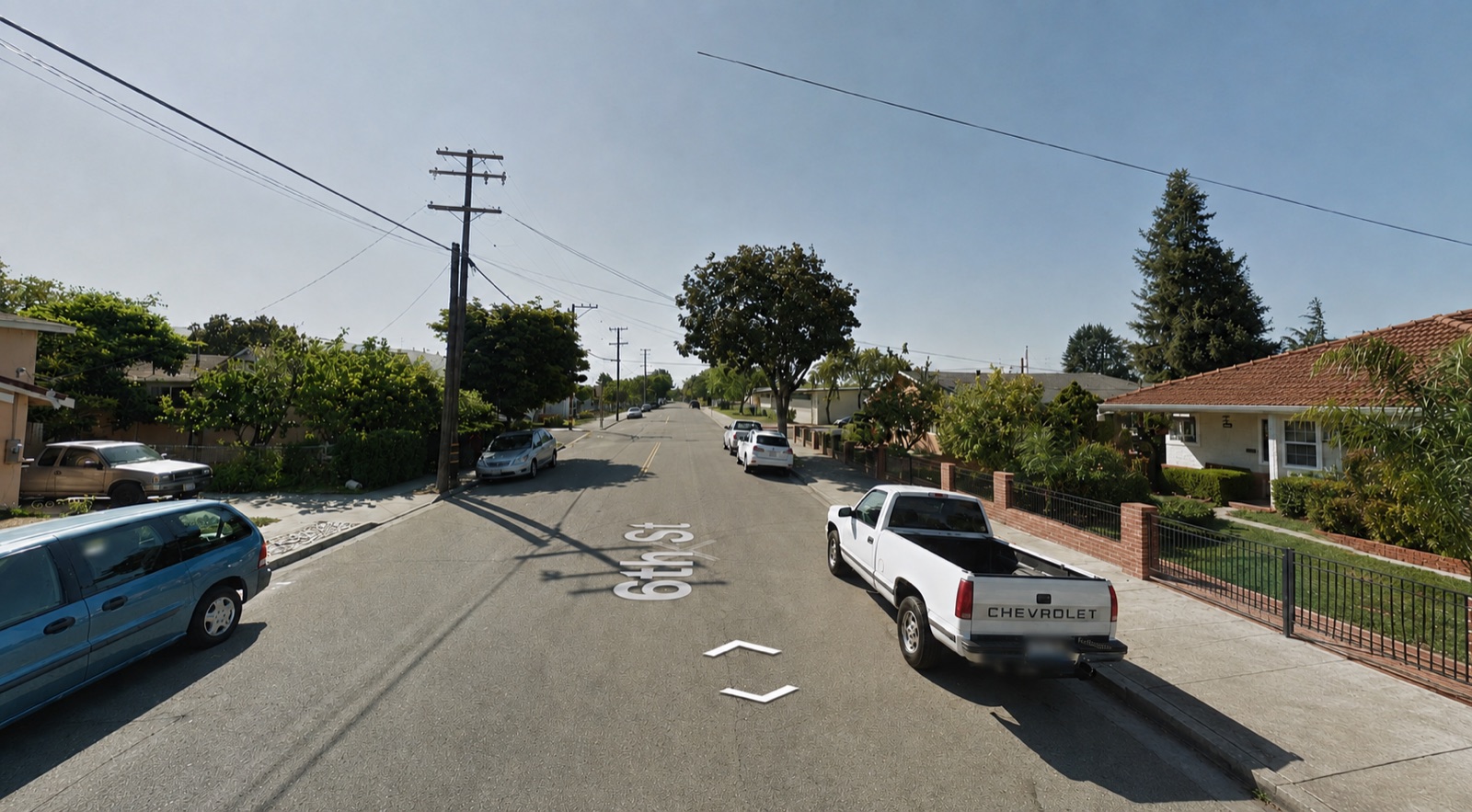
Drop in a screenshot. GeoCoach marks the clues that mattered, tells you why your guess held up or didn't, and turns each miss into a drill you'll see again.
Play a round, send it to GeoCoach, and get the clues drawn onto your own screenshot — plus what you missed and how to catch it next time.
One click with the extension on OpenGuessr — it grabs the view ahead and behind you. Or drop in a screenshot yourself.
Boxes land on the signs, bollards, road lines and car-meta that mattered.
Your recurring misses build a review plan tuned to your level.
Drop in screenshot(s) from a single round. Or skip this entirely — the sends rounds straight to your Coach page.
A plan built from the actual mistakes in your analyzed rounds, tuned to your beginner level.
Name a country from one reference, or separate two countries you actually confused. Get one right and it leaves the deck; miss it and it comes straight back. Library decks are dealt fresh every time you open them — only the decks built from your own rounds keep score.
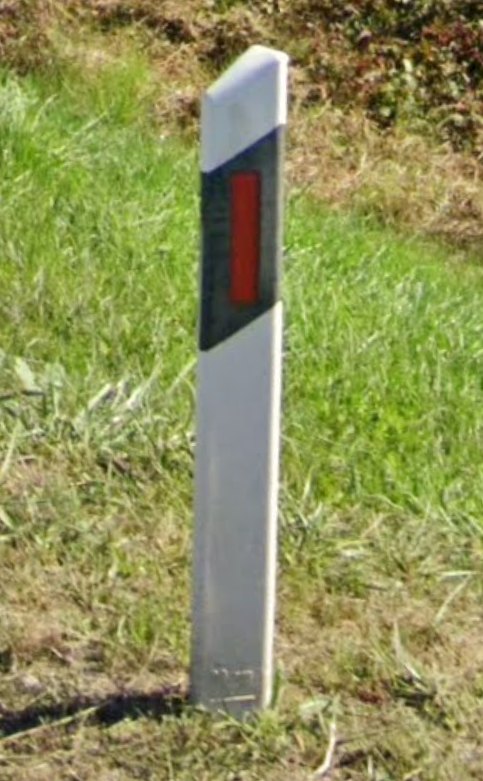
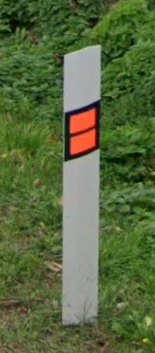
Every reference photo GeoCoach draws on, browsable. Each caption names what is actually visible — the thing to read off the object, not trivia about the country.
Nothing matches that. Try a country name, or a feature like bollard, reflector or crossarm.
Every round you've analyzed — click one to revisit the screenshot and its coaching.
Pick your skill level — it tunes how specific the coaching and your review plan are. You can change it anytime.
This permanently deletes your 0 stored rounds and their screenshots. This can't be undone.
Free account: use the browser extension + 10 scans — 5 more than a guest gets. Or keep playing as a guest (5 scans).
free
Review finished OpenGuessr rounds in one flow — no uploading or pasting.
Download extension (.zip)extension folder.chrome://extensions and turn on Developer mode (top-right).extension folder.Alt+Shift+G, then confirm your country guess and mode.Two-direction capture: each round is screenshotted facing forward and rotated 180°, so the coaching also sees sign backs, the opposite bollard line and the road behind you. It resets your panning, so analyze after you've guessed — or switch it off in the extension popup.
GeoCoach isn't on the Chrome Web Store yet, so Chrome needs Developer mode to load it. Publishing it there would turn this into a one-click install.
You'll need a free account to use the extension. Create one →